
Update my personal information
Edited
You can edit your name, email address, or other details from the Profile section:
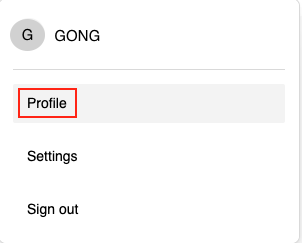
In your account, go to Profile. This page displays your name, date of birth, email address, and your saved addresses.
Edit my personal details
Click the pencil icon to the right of your name to edit:
Your first and last name
Your email address
Don’t forget to save your changes.
You can also add your date of birth here.
Edit my delivery addresses
If you have moved or would like your future orders delivered to a different address:
Your default address is listed first.
Click Add to create a new address.
If you want to reorganize your addresses, including the default address, click the pencil icon to make the desired changes.
Don’t forget to save your changes.
Edit
Personnal informatiosn
email
phone
Was this article helpful?
Sorry about that! Care to tell us more?